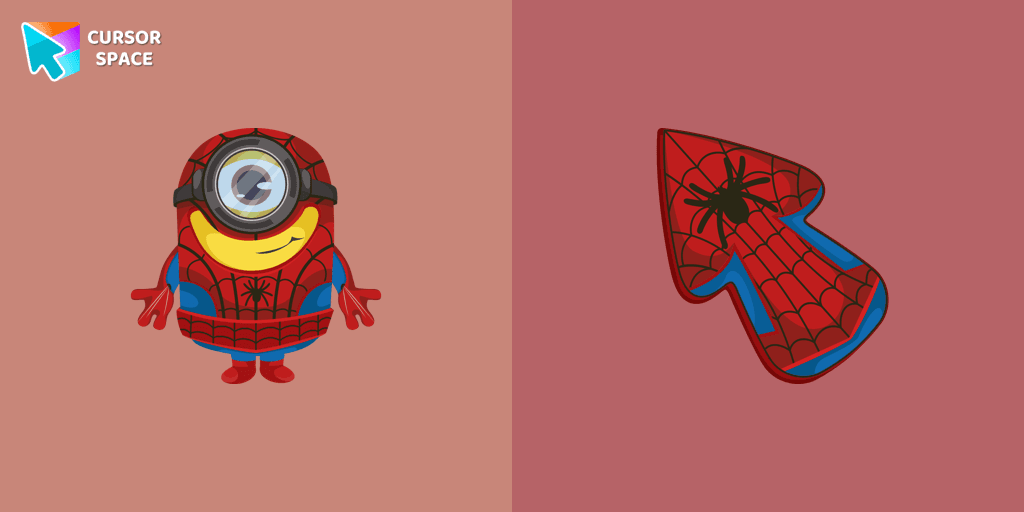
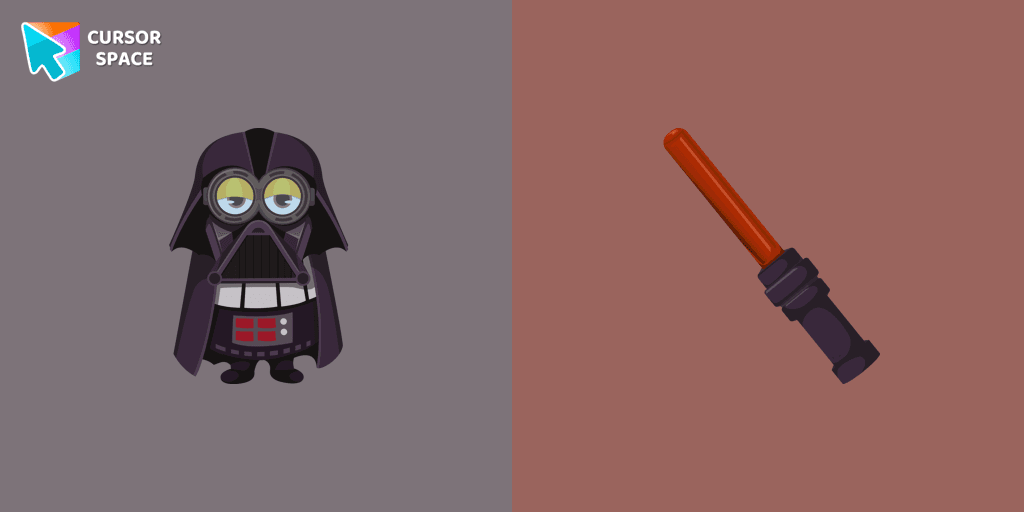
Minion Darth Vader Character cursor
1Free
Our Minions custom cursors collection for Chrome will allow you to use the Minion Darth Vader character as a custom cursor for mouse and pointer.
The Minion Spider-Man Character cursor is the perfect way to add fun and personality to your browsing experience. This unique custom cursor combines two beloved characters—the mischievous Minion and the legendary Spider-Man—into one playful and colorful browser cursor. Whether you're a fan of Marvel superheroes, Minions, or animated movies, this cursor brings a touch of excitement to your screen.
With its vibrant red and blue design, this cartoon cursor is inspired by Spider-Man’s iconic suit while maintaining the adorable charm of a Minion. The animated cursor makes every click feel dynamic, adding an extra layer of engagement while you surf the web. Whether you're browsing your favorite superhero comics, playing online games, or just customizing your browser, this character cursor is a must-have.
This cute cursor is part of the Custom Cursor for Google Chrome extension, allowing you to personalize your mouse pointer effortlessly. Featuring magic style, childhood nostalgia, and a fun design, it captures the best of both worlds—comic book action and cartoon humor. It’s ideal for fans of superheroes, retro characters, and fantasy cursors who love adding a unique and themed cursor to their collection.
Installing this colorful cursor is simple and quick. Just a few clicks, and you can transform your mouse pointer into a Minion Spider-Man cursor that swings across your screen with style. If you love comic book heroes, animated movies, or custom browser cursors, this is the perfect addition to your collection. Try it now and bring some superhero energy to your browsing!
Install the Cursor Space extension for Chrome or Cursor Space for Edge in your browser.
On this page, click "Add this cursor pack to the extension".
Open the extension and go to the Packs tab.
Find the custom cursor pack "Minion Spider-Man Character cursor" and click it.
Enjoy!
Get this cursor pack and thousands of others by installing our extension. It's fast and free!
Minion Spider-Man Character Cursor is a themed cursor pack you can add to your browser to personalize your pointer across common cursor states (default and pointer). Use it for everyday browsing, streaming, studying, or gaming-anywhere you want your cursor to match your vibe.
See how the cursors look before installing.
Add the pack to the extension in a few clicks.
Designed for Chrome and Edge via the extension.
Quick answers to common questions about cursor packs, collections, and installation.
Yes. To apply cursor packs in Chrome or Edge, install the Cursor Space extension and add this pack to it.
Cursor packs are designed for Chromium browsers like Chrome and Microsoft Edge.
Open the extension, choose another pack or disable the current one to return to your default cursor.
Custom cursor and packs - neon, anime, pixel art. Quickly add to Chrome and Microsoft Edge for free
Our Minions custom cursors collection for Chrome will allow you to use the Minion Darth Vader character as a custom cursor for mouse and pointer.

Redman cursor for mouse and custom hover pointer in a Rappers collection of custom cursors.
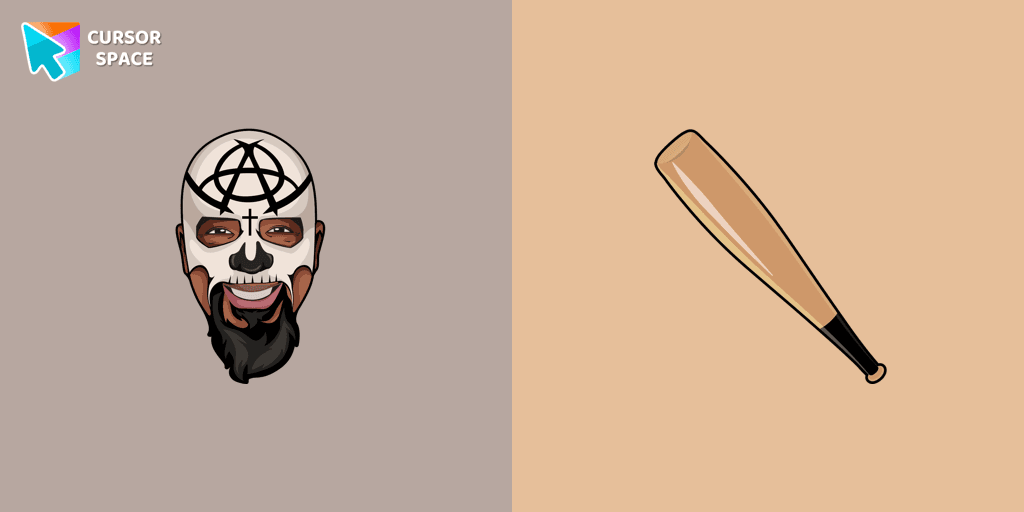
Tech N9ne cursor for mouse and custom hover pointer with a baseball bat in a Rappers collection of custom cursors.
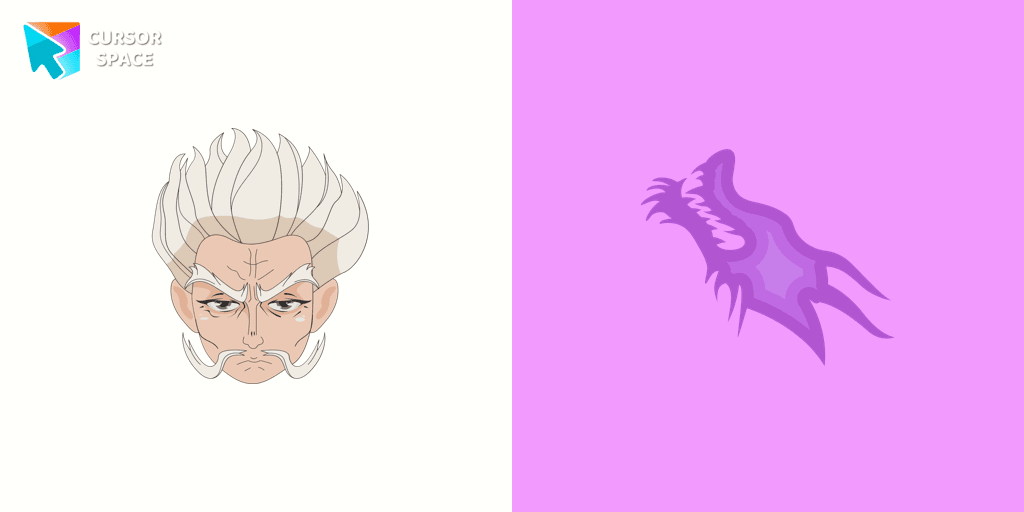
Zeno Zoldyck cursor for mouse and custom hover pointer with spiritual power in the form of a dragon in a Hunter × Hunter collection of custom cursors.
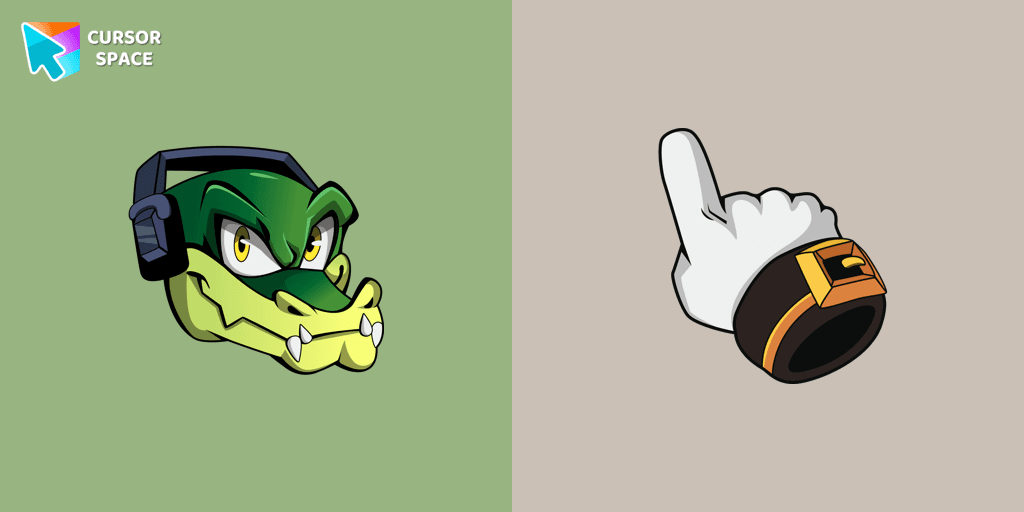
Custom cursor with Vector is a good opportunity to change the usual mouse to the fun cursors.
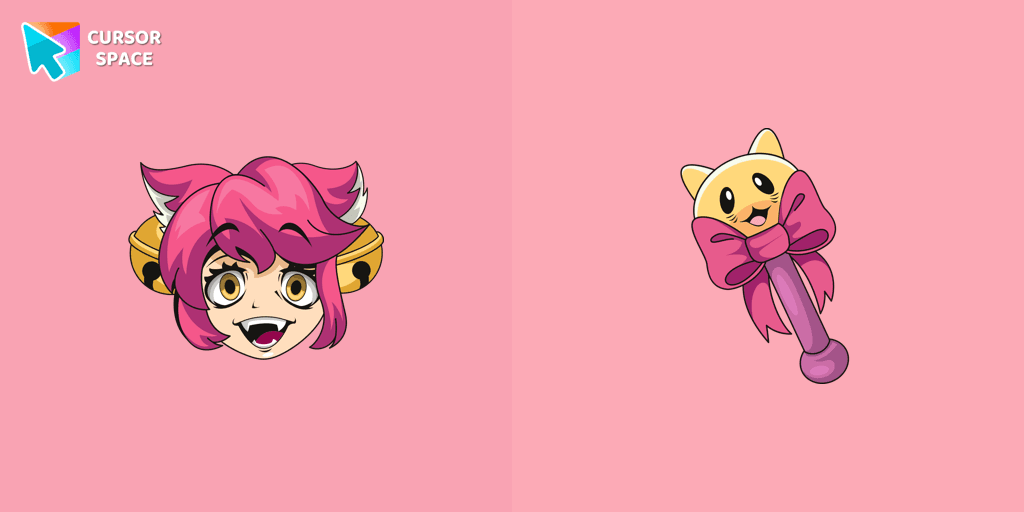
Lovely Mad Mew Mew as a custom cursor for mouse and pointer is presented in our Undertale and Deltarune custom cursors collection for Chrome.
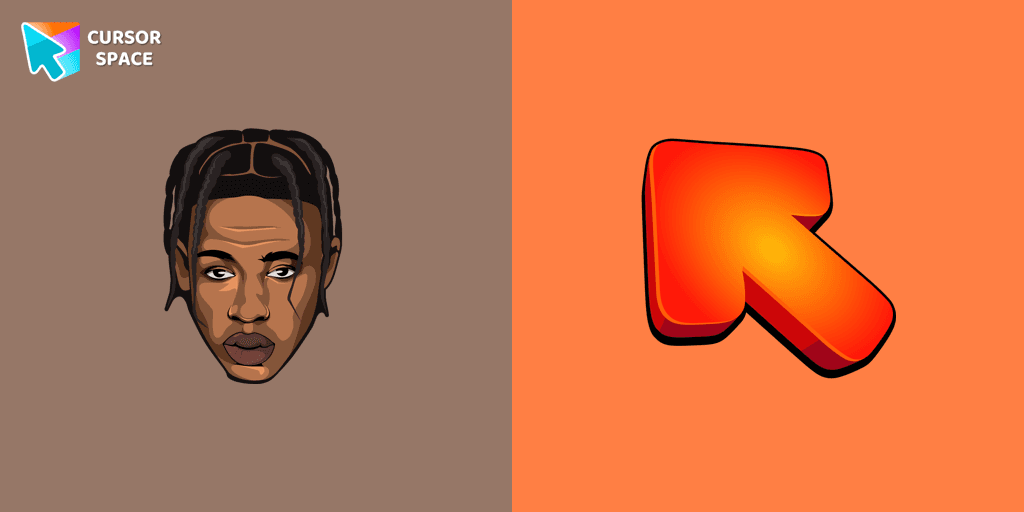
Change your usual cursor to our stylish custom cursor with Travis Scott for mouse and pointer.
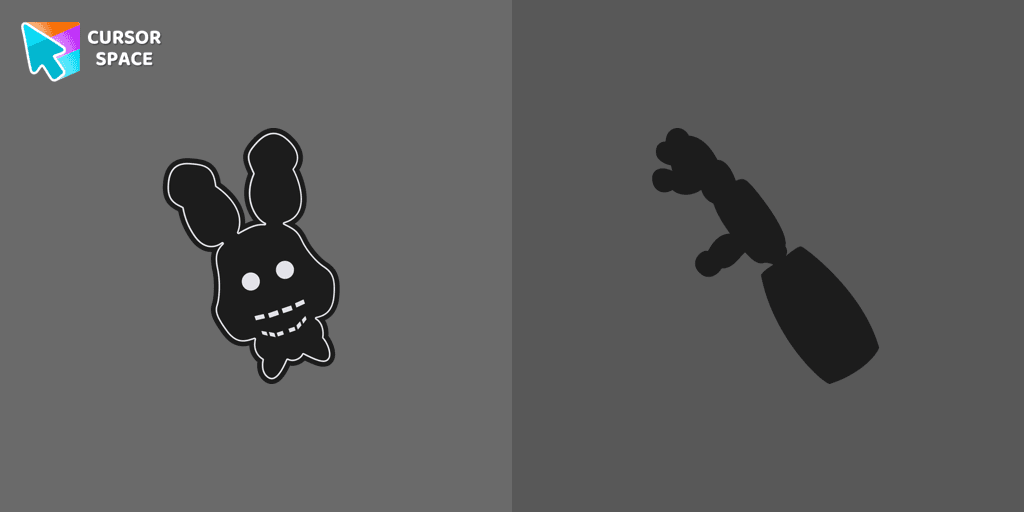
Shadow Bonnie custom cursor for the mouse is a pretty character in Five Nights at Freddy's cursor collection for Chrome.
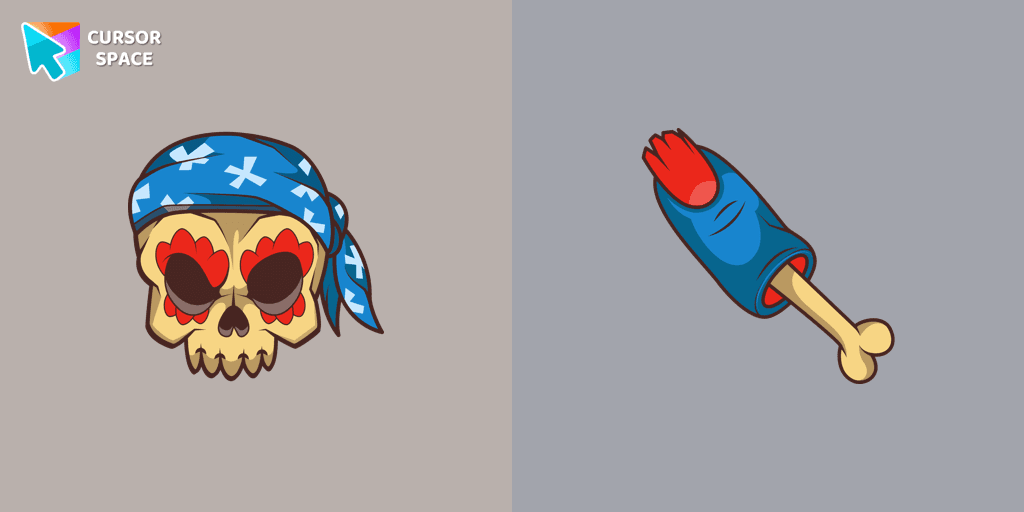
Pirate Skull custom cursors are the perfect option for our Halloween custom cursors collection for Chrome.
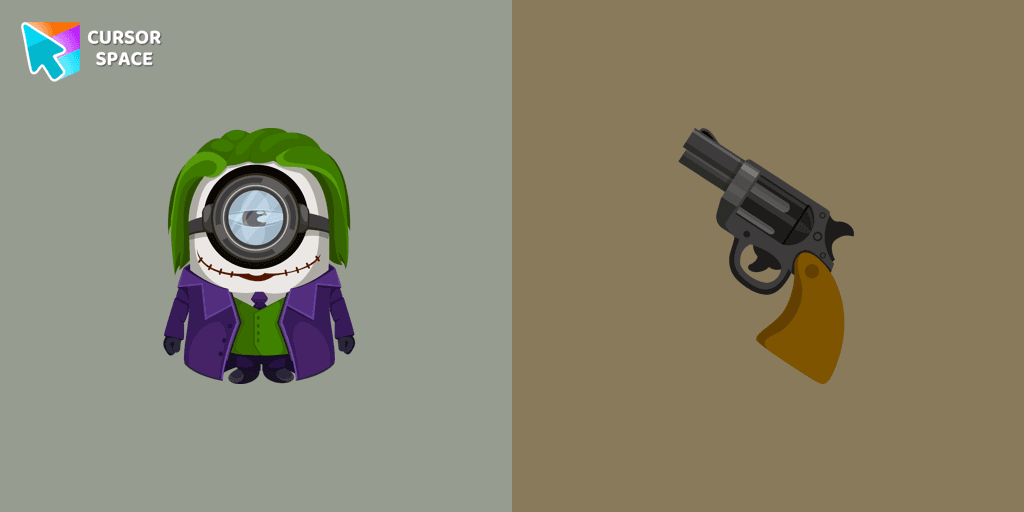
Minion Joker cursor is illustrated for our adorable custom cursors collection. Minion Joker as a cursor for the mouse and Joker's weapon pointer will look pretty cool on your screen.
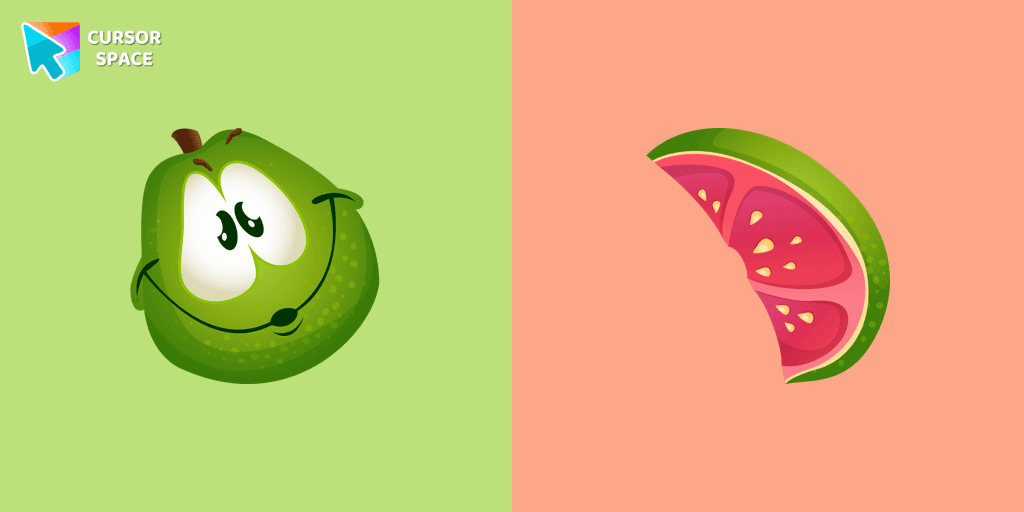
If you want to change your usual cursor to something cute, our guava cursor for mouse and pointer will be a good match for this job. Cute little guava cursor and pointer in our adorable custom cursors collection Fruits Cursors.
Installation leaders from "Minion Custom Cursor": free packs, neon/anime/pixel art, quick add to Chrome and Edge.
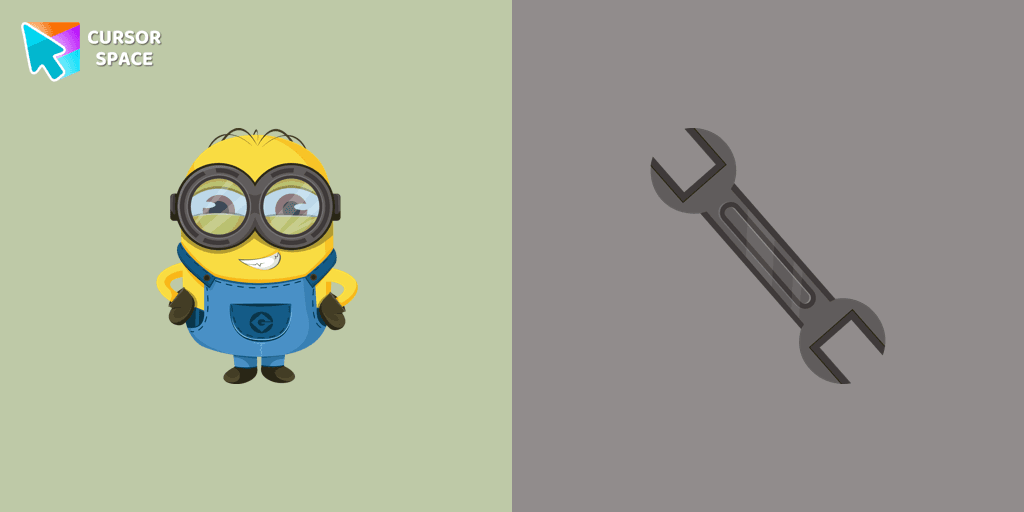
Add fun to your browsing with the Bob the Minion custom cursor for Google Chrome. This adorable design brings Bob’s playful charm to your screen.
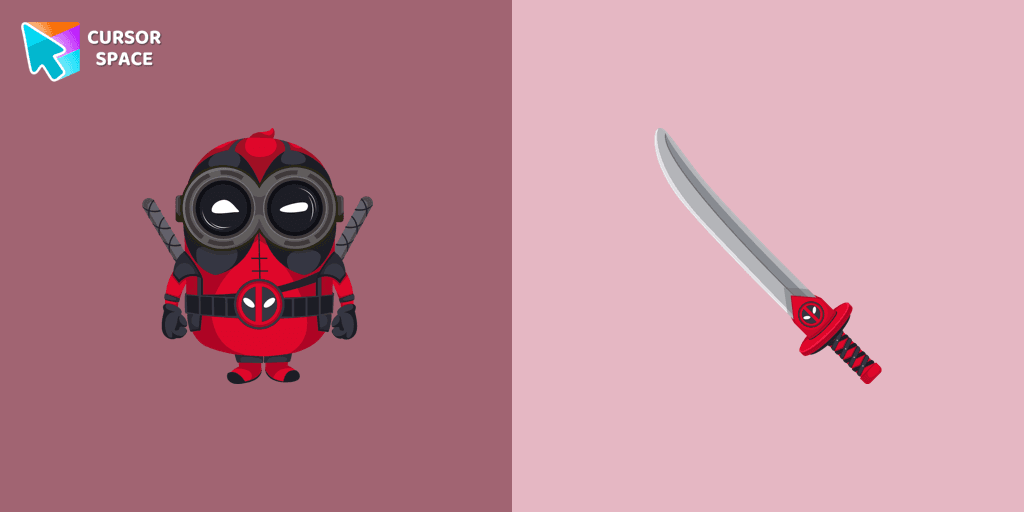
The Minion Deadpool Character custom cursor blends Minion fun with Deadpool's humor. Upgrade your browsing with this custom cursor for Google Chrome.
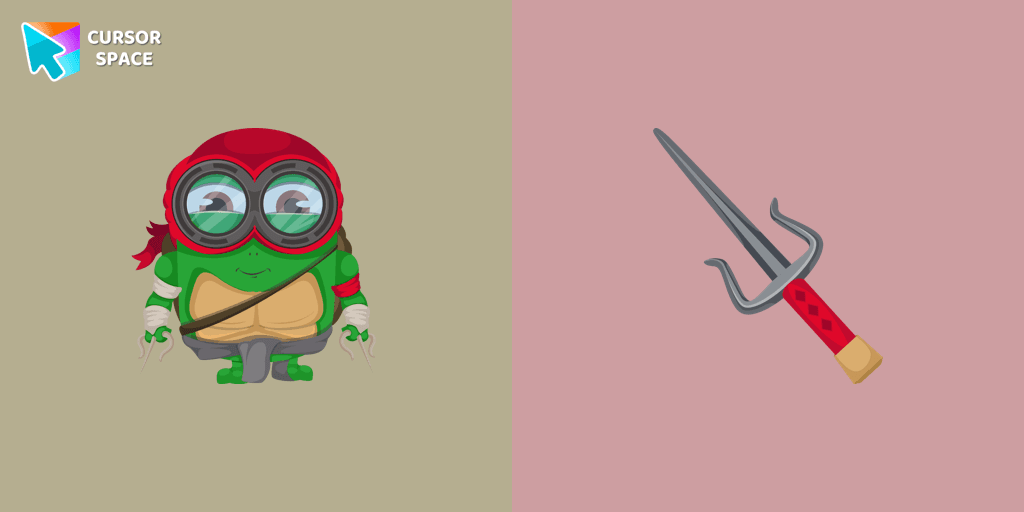
Transform your browsing with a custom cursor for Google Chrome! The Minion Ninja Turtle Character cursor combines fun Minions with Ninja Turtle excitement.
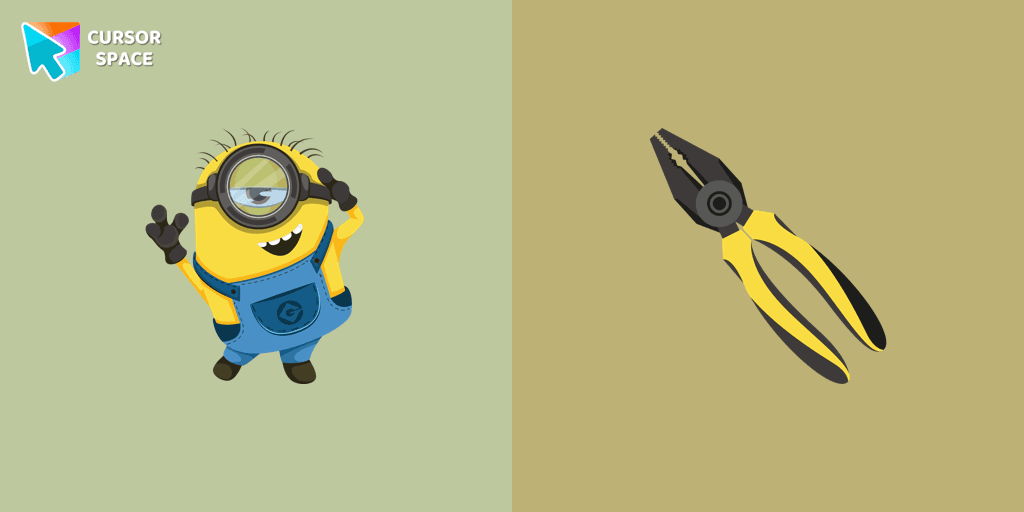
We suggest you, too, relax while surfing the web with a custom cursor with Stuart the Minion.
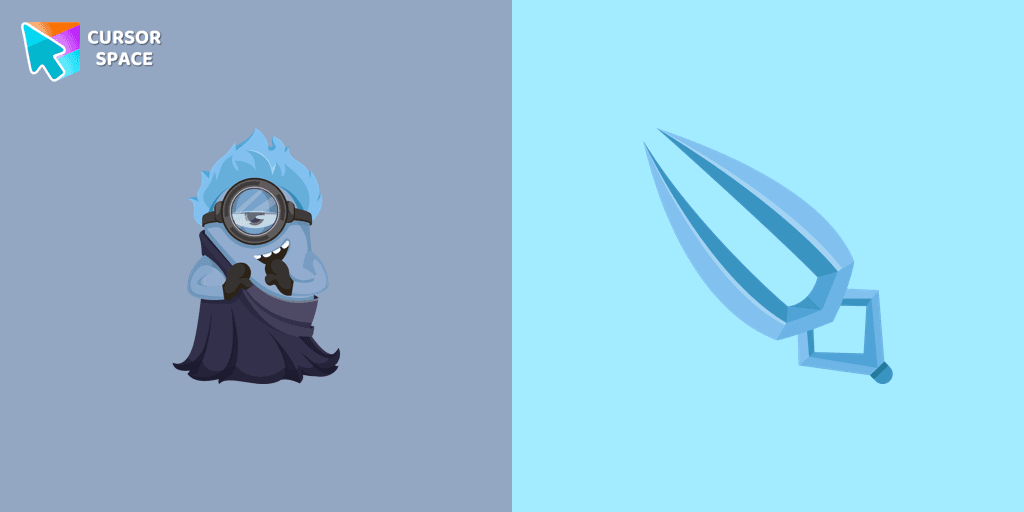
In our cute custom cursors collection with Minions, we depicted the Minion Hades as a custom cursor for the browser in beautiful graphics.
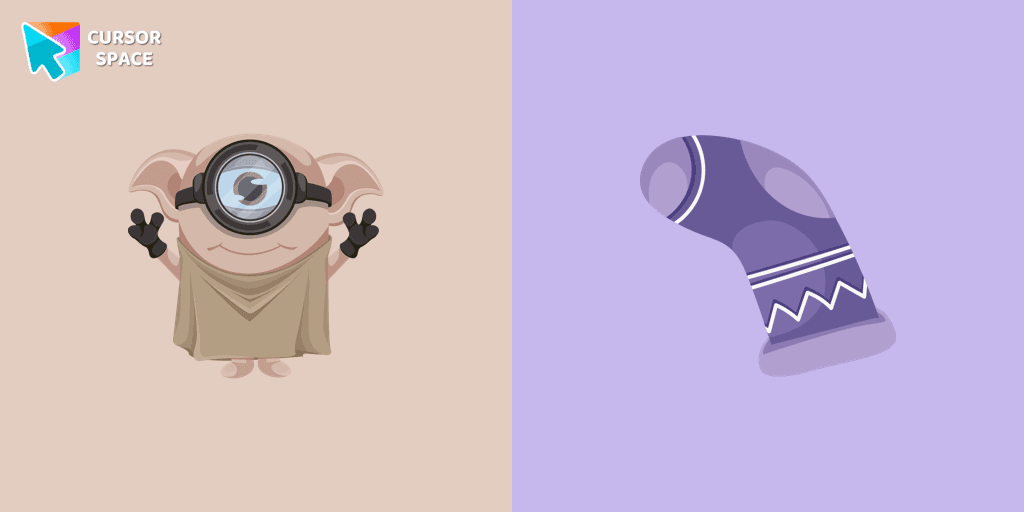
Cute Minion Dobby the house-elf cursor and pointer in our magic custom cursors collection with Minions.
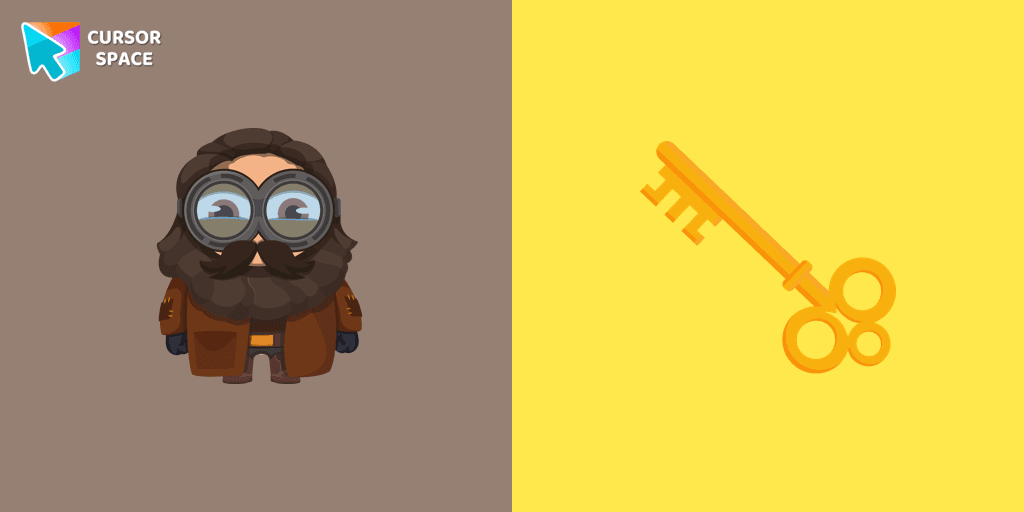
Well-designed Minion Rubeus Hagrid from Minions custom cursors collection for mouse and pointer.
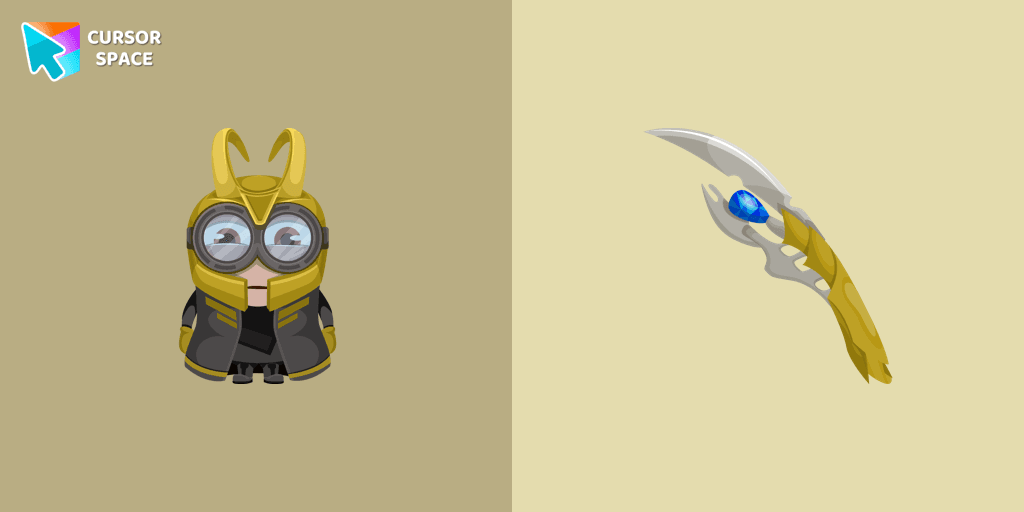
There is a custom cursor with a unique scepter and a Minion Loki as a hover in a set of Minion's custom cursors for Chrome.
Our Minions custom cursors collection for Chrome will allow you to use the Minion Darth Vader character as a custom cursor for mouse and pointer.
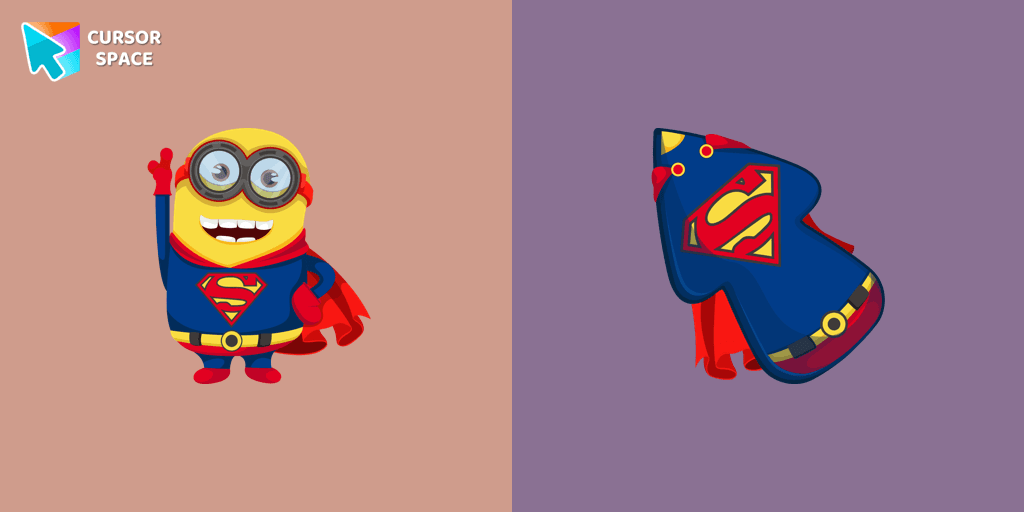
Minion Superman is a custom cursor from our custom cursors collection for Chrome. Add Minion Superman cursor in the collection of custom cursors with Minions for the browser.
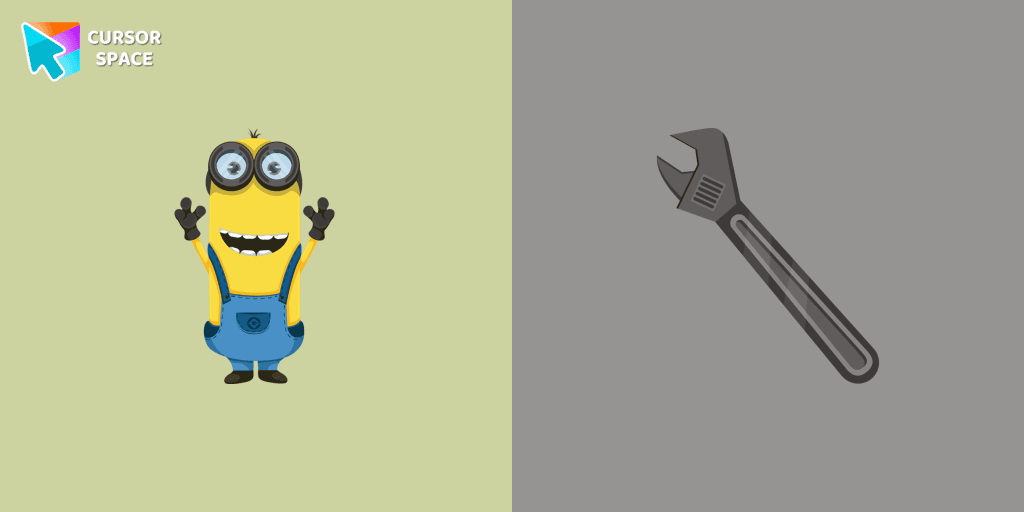
Kevin the Minion custom cursor for mouse and pointer with the adjustable wrench in a Minions collection of custom cursors.
Minion Joker cursor is illustrated for our adorable custom cursors collection. Minion Joker as a cursor for the mouse and Joker's weapon pointer will look pretty cool on your screen.
Add packs instantly and unlock access to thousands of cursors: neon, anime, pixel-art, and more. Fast, safe, and free.
Cursor Space is an extension for changing your mouse cursor in Chrome and Edge browsers: themed collections, HiDPI icons, neon, animated, and pixel cursors, with quick installation.